Wall planter box
Laser cut files for a parametric acrylic planter that hangs on a cabinet side
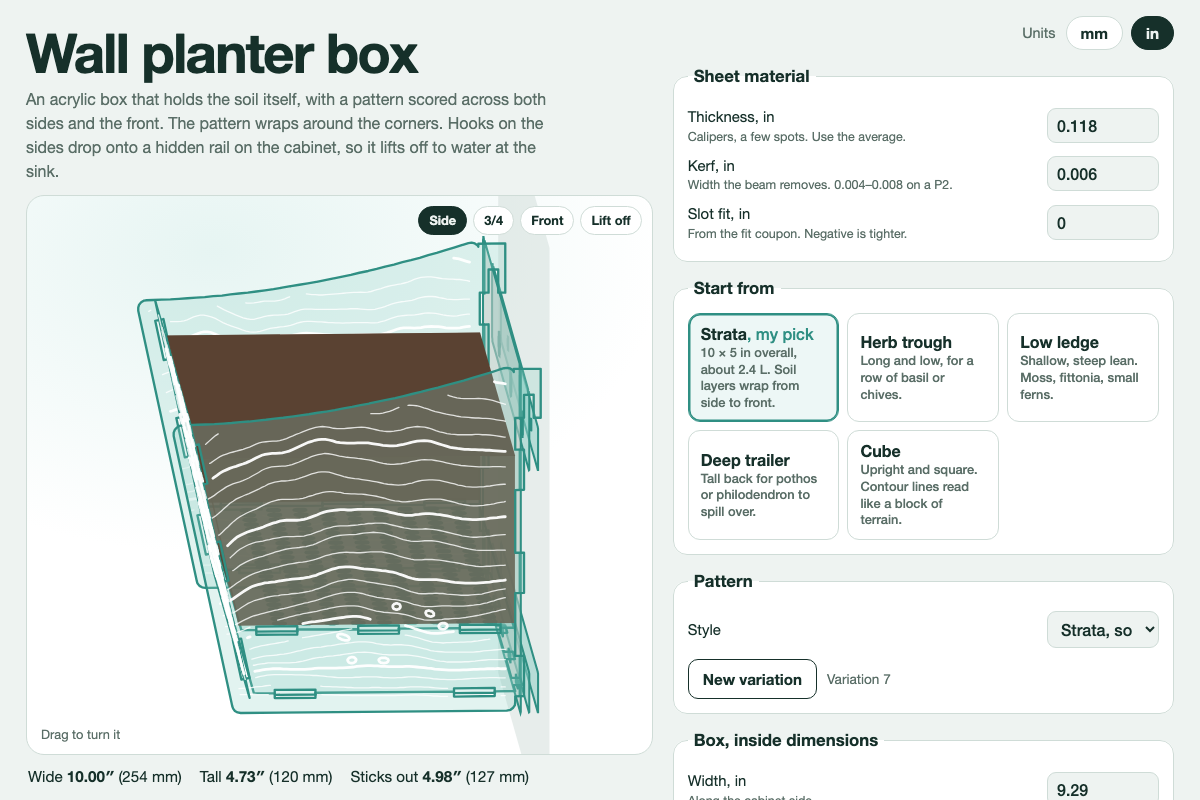
Screenshot of the tool as it opens; it is a real capture, not a mockup.
What it makes
Laser cut files (SVG, mm) for an acrylic planter box that hangs on the side of a cabinet. Tab-and-slot joints, an optional wraparound scored pattern, and a hanger sized to your cabinet edge.
How to use it
- Pick a preset, or switch to mm/inch and set the width, depth, height and material thickness yourself.
- Choose a pattern (strata, tide, topo, roots) and shuffle its seed until you like it.
- Check the 3D preview; the lift-off view shows how the parts meet.
- Export the fit-test coupon first and cut it. Adjust the slot width until the joint is snug.
- Export the sheets. Each SVG is one bed: red is cut, blue is score, black is a label.
Build notes
- Files follow the xTool XCS and LightBurn colour conventions; assign cut and score settings by colour.
- Cut the coupon from the same sheet you will use for the box. Cast and extruded acrylic differ.
- The build-order guide inside the tool lists which panels go together first.